
What Is an NVR or a DVR and What Does It Do in a Video Surveillance System?
The NVR and the DVR are the recorders in a video surveillance system: they store the video from every camera, determine how many days you can go back and retrieve it, and control who gets remote access. Here is what changes between the two, how retention is calculated, and what we review before sizing storage.
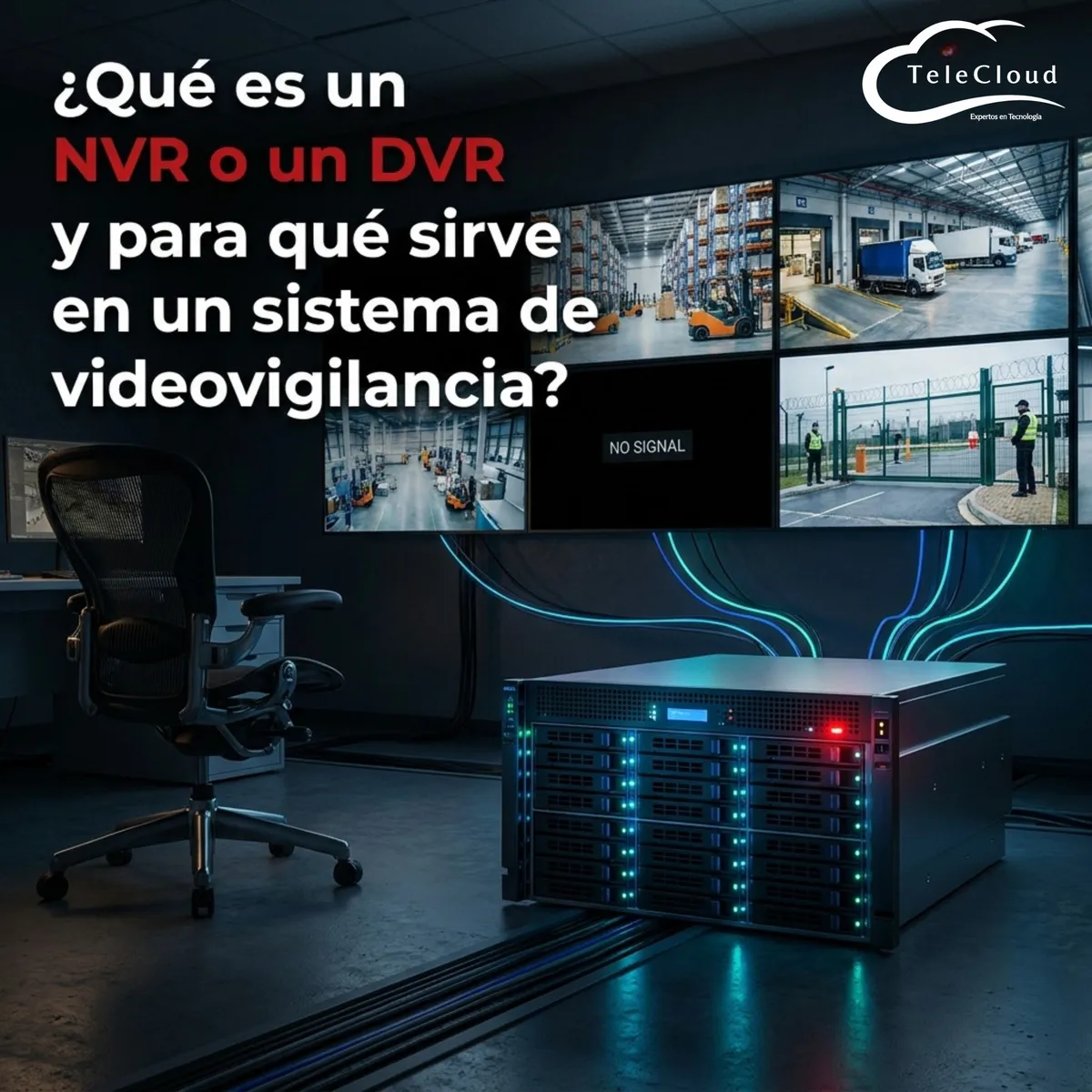
On a Monday morning, the logistics team at a manufacturing plant spots a shortage in a shipment that left the loading dock thirteen days earlier. Security opens the recorder to pull the video from that afternoon and finds that the oldest available recording goes back only eight days. The cameras worked without a single failure and each one captured exactly what it was supposed to capture, but the footage was already gone: the recorder had overwritten the earlier days because the installed disk capacity barely covered eight days with the number of cameras connected. The internal investigation closes without evidence, the customer applies the shortage penalty agreed in the contract, and the plant discovers that the recorder, not the cameras, was the weakest point in the entire video surveillance system.
The NVR and the DVR are the recorders in a video surveillance system. They store the video from every camera, determine how many days you can go back and retrieve it, and control who gets remote access to those recordings.
The day you need the video is the day you find out how much your recorder was keeping
In nearly every video surveillance project we review, the conversation starts with the cameras: how many, where, at what resolution, with what night range. The recorder shows up at the end of the list, treated as an accessory you only have to pick large enough to fit the channels. That inverted set of priorities explains why so many plants discover the real limit of the system on exactly the day of the incident that justified the whole investment.
What the recorder actually does between the camera and the disk
A video recorder, whether a DVR or an NVR, receives the stream from every connected camera, indexes it with date and time, writes it to disk, and manages what gets kept and what gets deleted when space runs out. It also performs functions beyond the reach of an individual camera: it synchronizes the clock across every device so recordings can be compared against each other, applies recording rules by schedule or motion detection, manages permissions over who can view each camera, and publishes remote access so a supervisor can review video from another point in the company.
That management is what turns a set of cameras into a system. With live monitoring alone, you see what happens while someone is watching the screen. With a properly sized recorder you have searchable history, exportable time-stamped evidence, and a record capable of supporting a claim before an insurer, a customer, or an authority.
The recorder also determines the quality of the evidence. A unit that recompresses video to save disk space delivers images with artifacts in exactly the scenes with movement, which are precisely the ones that document an incident.
Retention: how many days of history your plant actually has
Retention is the number of days the system keeps video before overwriting it. It depends on four variables that multiply against each other: the number of cameras, the resolution of each one, the frames per second it records at, and the effective hours of recording per day. Changing any of those variables moves retention immediately, which is why a system that kept thirty days when it was installed can drop to ten when the security team connects six new cameras to the same recorder without touching the storage.
The operational detail most often overlooked is the gap between an incident and its detection. A material shortage shows up in the inventory count, weeks after it happened. A complaint about product damage arrives when the shipment is received at its destination. A labor claim over an accident can be filed months later. If your retention is seven days and your internal processes take twenty to detect the problem, the right video was erased before anyone knew they needed it.
That is why, before defining disks, we ask how long your operation takes to find out something went wrong. That figure, and not the manufacturer catalog, is what sets the minimum retention for the project. In plants with customer audits or regulated processes, that number usually lands well above what a standard factory-configured unit comes with.
Three limits that exhaust a recorder sooner than you expect
Channels, bandwidth, and the trap of counting cameras alone
A recorder is sold by number of channels: eight, sixteen, thirty-two, sixty-four. That number tells you how many cameras you can connect and it is the first constraint almost everyone checks. The second constraint, far less visible on the spec sheet, is recording throughput, meaning the total megabits per second the unit can write to disk simultaneously.
A thirty-two channel NVR with a moderate recording ceiling hits its limit long before filling all thirty-two inputs if the cameras run at high resolution and maximum frame rate. The symptom in the field is awkward to diagnose, because the unit stays powered on and apparently operational while it starts dropping frames, cutting segments, and restarting channels intermittently. When you go back to the recording of the incident, the fragment that matters comes up choppy.
That is why we size the recorder against both limits at once. Counting cameras is enough to shortlist a model; calculating the aggregate video flow is what keeps the unit from running at the edge of saturation from day one and what leaves room for the cameras you will add next year.
Surveillance drives: why a desktop disk fails within months
A recorder writes video twenty-four hours a day, every day of the year, over the same disk sectors again and again. That workload has little in common with an office computer, and a conventional drive degrades quickly under that regime. Drives designed for video surveillance handle continuous writing, tolerate the vibration generated when several units share a chassis, and carry firmware that prioritizes a steady stream over exhaustive error recovery.
In installations where evidence carries legal or contractual weight, we configure redundant arrays so the failure of one unit does not wipe out the complete history. A hospital, a bank, or a plant subject to customer audits can hardly afford to lose a month of recordings because a disk reached the end of its service life on an ordinary Tuesday, with no warning and nobody watching the state of the array.
Where the difference between a DVR and an NVR actually shows up
The distinction between the two units is a direct consequence of the type of camera you are going to connect. A DVR receives an analog signal and performs the digitization and compression of the video itself before writing it to disk. An NVR receives streams that IP cameras deliver already digitized and compressed, and concentrates its work on managing, indexing, storing, and publishing them.
That architectural difference has two effects that change the design of the project. The first is where the recorder lives: a DVR has to sit reasonably close to the cameras because of the distance limits of the analog signal, while an NVR can be installed in the main equipment room, in another building on campus, or in the data center where you already manage the rest of the infrastructure. The second is how the system grows: adding a camera to a DVR requires a free physical input on the unit, and adding an IP camera requires available capacity on the network and headroom in the throughput of the NVR.
Hybrid installations exist, and they are more common than they seem. Many plants keep analog cameras in good condition in low-risk areas and run IP cameras at entrances, loading docks, and the perimeter. For those cases we work with hybrid recorders or with encoders that bring the analog cameras onto the same management platform, so security staff can review the entire system from a single interface.
How we size the recorder before buying a single disk
The calculation we run before quoting
The calculation starts from the stream of each camera. A camera delivers a bitrate that depends on resolution, frames per second, the compression codec, and the amount of movement in the scene. That bitrate is multiplied by the effective hours of recording per day and by the days of retention your operation needs, and the sum across all cameras gives the total storage volume for the project.
On top of that number we apply two adjustments that separate a system that holds up from one that falls short at six months. The first is a growth margin, because almost no plant ends the year with the cameras it installed at the start. The second is the space reserved for event recording, alarms, and locked video, the kind the security team flags so it does not get overwritten while an investigation stays open.
We also define the recording mode by zone. The perimeter and vehicle entrances usually record continuously at full rate. Interior corridors and low-traffic warehouses can record on motion detection with a few seconds of pre-recording, which reduces disk consumption and preserves the exact moment someone enters the frame. That mix is what makes it possible to extend retention without doubling the investment in storage.
Remote access and backup: what happens after recording
An isolated recorder forces someone to physically travel to the equipment room every time a video has to be exported. In operations with several plants or branches, that means hours lost for every event someone needs to review. Publishing remote access in a controlled way, with individual users, per-camera profiles, and a log of who consulted which recording, turns the recorder into a daily operational tool and leaves a verifiable trail of every query.
That access also opens an attack surface, and this is where we see the most expensive mistakes. An NVR published to the internet with its factory password is among the most exploited entry points in industrial networks, and from there an attacker reaches the rest of the network. At TeleCloud we integrate video surveillance into the same security scheme as the rest of the infrastructure: segmentation on a dedicated VLAN, firewall rules, VPN access, and controlled firmware updates.
With more than twenty years of work in telecommunications infrastructure and current certifications across the leading brands of the sector, we size every system according to what your operation needs to recover and within what timeframe, whether that is a plant in Querétaro, a hospital, a hotel, or an educational campus.
Frequently asked questions
How many days of recording should my system keep?
It depends on how long your operation takes to detect a problem. If inventory shortages only show up at the monthly count, seven days of retention falls far short. In plants and distribution centers we usually start from thirty days and adjust the number according to the type of incident your company needs to document.
Can I add more cameras to the recorder I already have installed?
Only if there are free channels and if the recording throughput can take the additional flow. We check both before proposing an expansion, because connecting cameras to a saturated unit degrades the recording of all the others, including the ones that were working fine until then.
What happens to my recordings if the recorder fails?
With a single disk, the history is lost completely. That is why we configure redundant arrays in installations where evidence has legal or contractual value, and in some projects we add backup of critical video to storage independent of the main recorder.
Do you need a network diagnosis?
The TeleCloud team evaluates your current infrastructure and proposes solutions adapted to your industrial operation.
Schedule free diagnosis