
What Is a Firewall and What Does It Do for a Business?
A firewall filters your network traffic, allows legitimate connections, and blocks the ones that pose a threat. Here is how packet filtering works, why a consumer router does not protect an industrial operation, and what we evaluate before recommending a device.
On a Monday morning, the IT team at a manufacturing plant in central Mexico discovers that the internal network was encrypted over the weekend. Production servers are unresponsive, the purchase orders stored in the administrative system are inaccessible, and the assembly line comes to a full stop. The attack came in through an open port nobody had ever closed, with no perimeter device filtering the suspicious traffic before it reached the internal servers. Forty-eight hours later the plant is still down, the main customer is threatening to cancel the supply contract, and the cost of the shutdown has already passed a million pesos between lost production, technical overtime, and the negotiation with the affected client.
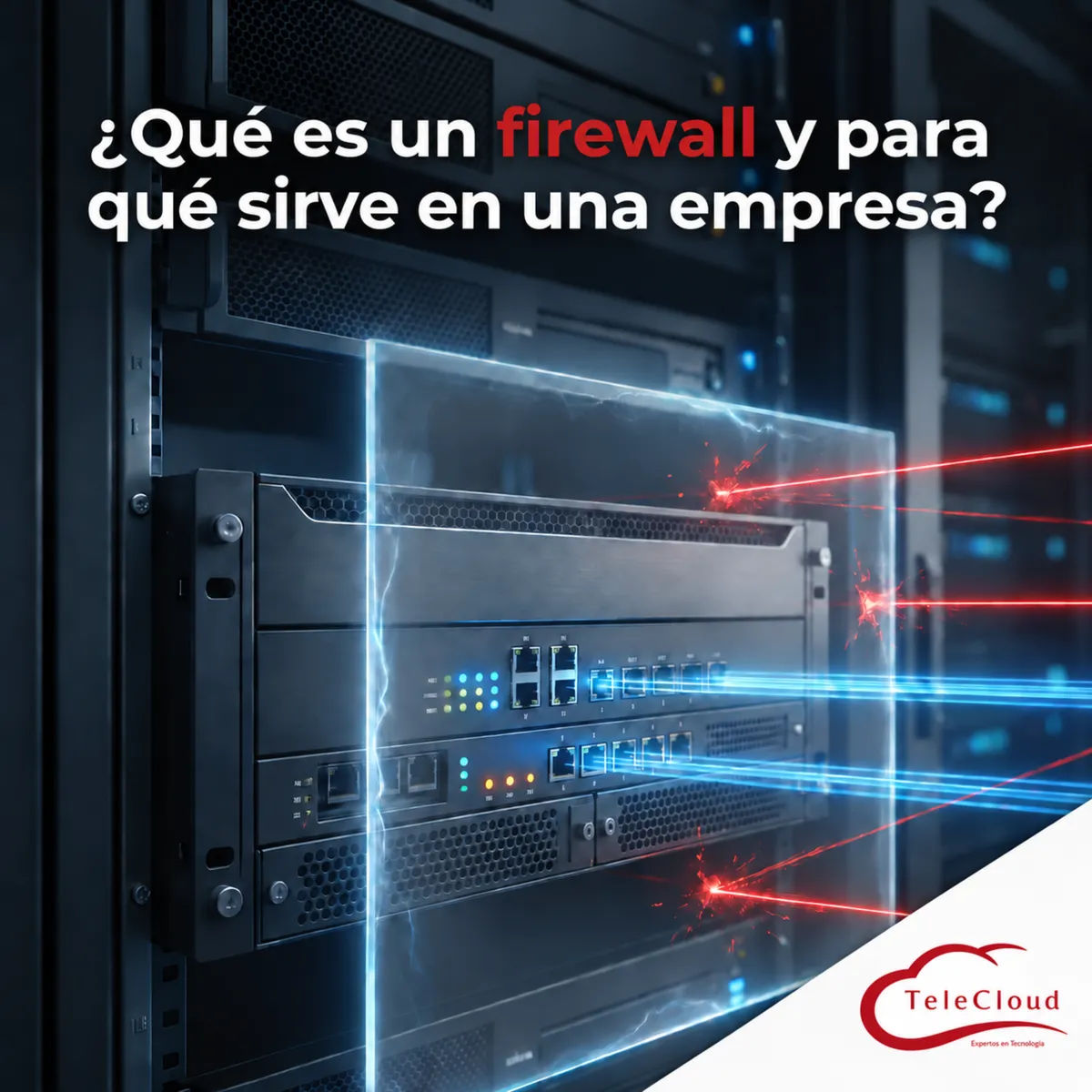
A firewall is the system that filters your network traffic, allows legitimate connections through, and blocks the ones that represent a threat. It is the first line of perimeter defense between your infrastructure and the rest of the internet.
The blind spot that lets any attack walk in: a network with no filtering
In most companies that are just beginning to organize their IT function, the internet connection runs straight from the service provider to the main switch, with no device checking what enters and leaves the network. Any connected computer can receive traffic from any source in the world, and any infected device inside your facility can communicate freely outward without anyone noticing.
A firewall is the device or software placed at that entry point, applying a set of rules to your network traffic. It checks the source, destination, port, and protocol of every connection, then decides whether to allow or block it based on the policies we configure for your operation. It works as the perimeter filter between your internal network and the rest of the internet.
The technical consequence of not having that filter is direct. An attacker scanning IP ranges for open ports finds your network exactly like any other unprotected company, and the moment they identify an exposed service (a misconfigured mail server, an unrestricted remote desktop port) they have a direct door into your internal systems. In an industrial operation that means potential access to the equipment controlling production, not just to office computers.
How packet filtering works at your network border
The core mechanism of a firewall is packet inspection. Every time a device on your network sends or receives information, that information travels split into packets carrying a source address, a destination address, and a port tied to the type of service, such as web browsing, mail, or file transfer. The firewall checks those headers against a rule table and decides in milliseconds whether the packet continues on its way or gets dropped.
Stateful inspection firewalls, which are the minimum acceptable standard today, also remember the context of each connection. If your device initiated a request to an external site, the firewall recognizes the returning response as part of that same conversation and lets it through. If traffic arrives from outside that does not correspond to any connection started from within, it gets blocked automatically. This logic keeps an external attacker from opening direct connections to your servers without a legitimate reason for it.
Why a consumer router does not protect an operation with sensitive data
A common mistake at midsize companies is assuming the router the internet provider hands over already does the job of an enterprise firewall. That device usually comes with basic filtering meant for home use, with no ability to create policies by department, no detailed event logging, and no ongoing updates against new threats.
In a hospital, a bank, a manufacturing plant, or a university, the attack surface is far larger than in a home. Payroll systems, patient records, financial databases, and industrial controllers all sit on the same network, and each one is a different target for an attacker. An enterprise firewall lets you define what traffic can move between those segments and what stays completely blocked, something a consumer router simply does not offer.
An enterprise-grade firewall also keeps a record of every connection attempting to enter or leave your network, which lets you spot an intrusion attempt before it turns into an actual breach. Without that record, the first sign of an attack is usually the already compromised system, and by then the window to contain it in time has closed.
The difference between basic access control and enterprise firewall policy
Basic access control allows or blocks traffic according to general rules, almost always by IP address or port. An enterprise firewall policy goes further: it combines rules by user, by application, by schedule, and by geographic destination, and it updates continuously against known threat databases.
At TeleCloud we configure these policies alongside each client's IT team, so the rules reflect how the business actually runs. A bank needs to restrict access to transaction systems to a small group of authorized workstations. A plant needs to isolate the network of its programmable logic controllers from the administrative network. A hospital needs to separate internet-connected diagnostic equipment from the rest of the clinical infrastructure. None of those configurations exist on a generic filtering device.
The three scenarios a well-configured firewall prevents at your plant
The first scenario is unauthorized access from outside: an attacker identifies an open port and uses it as an entry point toward your internal servers. The firewall cuts that route by blocking, by default, any inbound connection that does not correspond to an explicitly authorized service.
The second scenario is the internal spread of an attack that already got in, for example through an email with a malicious attachment opened on a single computer. Without network segmentation, that infected machine can try to reach every other device on your network and expand the damage in minutes. With the network divided into segments and firewall rules between them, the compromised machine stays isolated and the rest of your operation keeps running while the technical team contains the incident.
The third scenario is data leaving your network. An infected device already inside often needs to reach an external server to send stolen data or receive instructions. A firewall inspecting outbound traffic detects those unusual connections and blocks them, even when the attack has already gotten past the first line of defense.
Network segmentation: why separating production, administration, and guests saves your operation
Segmentation means dividing your network into independent zones, each with its own set of firewall rules. The production network, where machine controllers and manufacturing systems live, stays separate from the administrative network where your office staff works, and both stay separate from the guest network used by vendors and visitors.
That separation serves a very concrete purpose. If a personal device connected to the guest network arrives infected, the firewall keeps that traffic from reaching your production systems or your administrative servers. The threat stays contained in a segment with no critical operational value, instead of having free access to your entire infrastructure from the first moment.
The firewall you installed ten years ago no longer stops today's threats
Plenty of midsize companies are still running a firewall installed more than a decade ago, configured once and never reviewed since. That device is still powered on and apparently working, but threats evolved while the rules configured inside it stayed frozen in time.
Next-generation firewalls, known as NGFW, add layers a traditional firewall does not have: deep inspection of each packet's content, identification of the specific application generating the traffic, and built-in protection against known intrusions. At TeleCloud we work with Fortinet and Cisco technology to deploy these capabilities according to each client's size and sector, from a bank branch to a plant with multiple production lines.
Putting off a firewall review carries a direct cost. Every month that passes without updating rules and threat signatures widens your network's exposure window to attack techniques that did not exist when the device was originally configured.
What we evaluate at TeleCloud before recommending a firewall for your operation
Before proposing a device or a configuration, we review the number of users and devices connected to your network, the critical systems that depend on that connection, and the type of information you handle every day. A manufacturing company with connected industrial controllers needs different rules than a hotel with separate guest and administrative networks, and both differ from an educational institution with hundreds of personal devices connecting daily.
With more than twenty years of experience in telecommunications infrastructure and Cisco, Fortinet, Avaya, and Huawei certifications, we design the firewall policy around how your business actually operates, not around a generic template applied the same way to every client.
Frequently asked questions
Does a firewall replace the antivirus on my computers?
The firewall filters your network traffic before it reaches your devices, while antivirus protects each machine individually against malicious files that already arrived there. Both tools serve different purposes and work best when implemented together as part of your security strategy.
What if my company already has a firewall but its configuration has never been reviewed?
A firewall without periodic review loses effectiveness over time, because the rules configured originally do not account for the threats or the services you use today. We recommend a configuration audit at least once a year, and immediately after any major change to your infrastructure.
How long does it take to implement an enterprise firewall in my operation?
It depends on the size of your network and the number of systems that need specific rules. A standard implementation for a midsize company takes between one and three weeks, from the initial assessment through final configuration and testing.
Do you need a network diagnosis?
The TeleCloud team evaluates your current infrastructure and proposes solutions adapted to your industrial operation.
Schedule free diagnosis