
What Is a VPN and What Is It For in a Business?
A VPN creates an encrypted, authenticated tunnel between a user or a site and the company network, over the internet. We explain how it works, what an industrial plant uses it for, what it does not solve on its own and what to demand from your provider when implementing it.
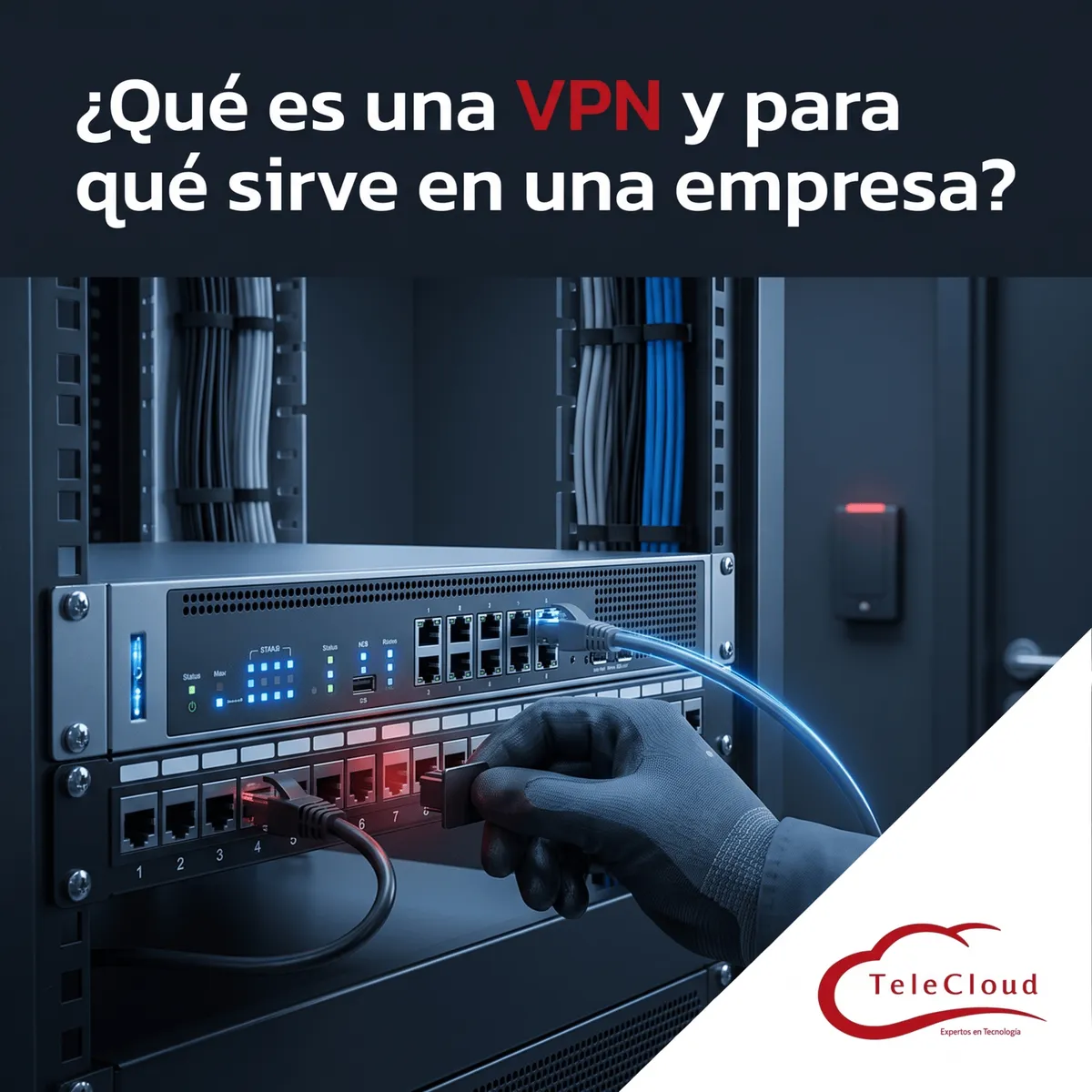
The maintenance manager logged into the plant's system from home one Sunday to check an alarm, using the remote desktop that IT left open to the internet "temporarily" two years ago. On Monday, the password for that access was for sale on a forum and someone had already logged in three times. Nobody noticed because the access did not record who logged in or from where. The plant needed remote work; what it had was a door open to the street with the key in the lock.
A VPN creates an encrypted, authenticated tunnel between a user or a site and the company network, over the internet. It connects remote staff, branches and suppliers without exposing internal systems to the public network.
The remote access that was left open "temporarily"
Almost every plant has one: a remote desktop, a supervisory interface, a camera recorder or a controller that someone published to the internet to solve an emergency and never closed again. That access works, and that is why nobody touches it. It is also visible to anyone scanning internet addresses, and automated scans find an open port within hours.
Exposed ports: the remote desktop and the controller on the internet
A service exposed to the internet receives continuous login attempts, with passwords stolen from other breaches and with dictionaries of common credentials. When the service is a remote desktop, the attacker who gets in has a computer inside your network. When it is an industrial controller, they have the line. And since the access does not distinguish between the maintenance manager and a stranger with the same password, the log, if it exists, only shows a legitimate user logging in at odd hours.
How a VPN works
A virtual private network solves the problem at the root: internal services stop being published on the internet and can only be reached through a tunnel that first verifies who you are and then encrypts everything that passes through it. From the outside, the only visible thing is the VPN entry point, designed to receive connection attempts and reject the ones that do not authenticate.
The tunnel: encryption and authentication
When a user connects, their device and the company firewall agree on a session key and from then on all traffic travels encrypted: even if someone intercepts it on a hotel or airport network, they cannot read it. Before opening the tunnel, the VPN demands credentials and, in a correct configuration, a second factor: a code on the phone or a certificate installed on the device. Without that second factor, a stolen password still opens the door.
What a VPN logs and why it matters
Every VPN connection leaves a record: who connected, from which address, at what time, for how long and which resources they accessed. That record is the one that, in the opening scenario, would have shown three logins from a country the maintenance manager has never been to. With an exposed access, the log rarely exists or cannot tell the legitimate user from the intruder using their credentials; with a VPN, the log is part of the service and feeds the firewall's alerts when something falls outside the pattern.
Remote-access VPN and site-to-site VPN
There are two uses worth distinguishing. A remote-access VPN connects one person, from their laptop or their phone, to the company network: it is the manager at home or the salesperson on the road. A site-to-site VPN connects two complete networks, for example the plant and a branch or the external warehouse, permanently and transparently for users: the systems at both sites see each other as if they were in the same building. A company with several sites usually needs both.
What an industrial company uses it for
The use cases at a plant are more numerous than they seem, and several of them are solved today with exposed accesses without anyone having decided it.
Staff working off-site, at customer locations or in hybrid mode, reach the ERP, email and files through the tunnel. Branches and warehouses connect to central systems over site-to-site VPN. The monitoring room reviews cameras at another site without publishing the recorder to the internet. And the machine supplier providing remote support comes in through its own VPN access, restricted to its equipment and logged, instead of through a remote desktop open to everyone.
Supplier remote support: restricted and logged access
The supplier case deserves attention. Machinery manufacturers ask for remote access for diagnostics, and they frequently get it in the form of a permanently open port. With a VPN, each supplier receives its own credentials, with a second factor, that only reach the machine it services and that are activated when the plant authorizes it. Every session is logged with date, user and equipment, which turns an open door into controlled, auditable access.
What a VPN does not solve on its own
A VPN protects the path, not what is at each end. Three situations make it insufficient if it is not accompanied by other measures.
Weak credentials and infected devices
If the access is protected only by a password, a leaked password opens the tunnel just as it opened the remote desktop. That is why the second factor is mandatory, not optional. And if the user's laptop at home is already infected, the VPN connects it to the company network with its entire infection. The answer is for the tunnel to land in a segmented zone of the network, with access only to what that user needs, and for the firewall to check the device before letting it in.
The next step: access by identity and by application
A traditional VPN connects the user to a network. The model the industry is gradually adopting, known as zero-trust access, connects the user to a specific application, verifies their identity and the state of their device on every session, and gives them access to nothing else. For a mid-sized plant, the practical route is to start with a well-implemented VPN with a second factor and segmentation, and evolve toward per-application profiles as the firewall and the systems allow. What does not change in either stage is the basic rule: nothing internal published to the internet.
The browser "VPN" and the enterprise VPN
The consumer VPN services advertised for watching content from other countries encrypt the user's outbound internet traffic, but they do not connect them to your network or authenticate them against your systems. They are a different product. The enterprise VPN lives on your firewall, is managed by your team or your provider, and defines who gets in, to what and with what logging.
How it is implemented and what to ask of your provider
The VPN is implemented on the company's next-generation firewall, which is the same device that guards the perimeter. The project has five parts: sizing how many users and how much bandwidth the tunnel will handle; defining access profiles by type of user, with what each one may reach; enabling the second factor; connecting the sites with permanent tunnels; and closing, one by one, the exposed accesses the VPN replaces.
Ask your provider for a design that includes the profiles and the zones each one lands in, for delivery of the session log, and for support with a service level agreement, because a VPN that goes down locks out everyone working remotely. At TeleCloud we implement VPNs on certified equipment, with a second factor and with segmentation behind the tunnel, and we close the exposed accesses as part of the same project.
If at your plant there is a remote desktop, a camera recorder or a controller published to the internet "temporarily", someone has already found that access. At TeleCloud we replace it with a VPN with a second factor and profile-based access, and we close the open doors in the same project. Request a diagnosis at https://telecloud.com.mx
Frequently asked questions
Does the VPN slow down the connection?
It adds an encryption load that a properly sized firewall absorbs without the user noticing. The slowness sometimes attributed to the VPN usually comes from undersized equipment or an insufficient internet link at the head office.
Can I give VPN access to an external supplier?
Yes, and it is the right way to do it: their own credentials with a second factor, access restricted to the equipment they service, activation when the plant authorizes it and a log of every session. It is the opposite of a remote desktop open to everyone.
If I have a VPN, do I no longer need to segment the network?
You need it more. The VPN connects the remote user to the network; segmentation decides which part of the network they reach. A tunnel that lands on a flat network gives the user, or whoever holds their credentials, access to everything.
Do you need a network diagnosis?
The TeleCloud team evaluates your current infrastructure and proposes solutions adapted to your industrial operation.
Schedule free diagnosis