
What Is the Difference Between Reactive and Proactive Technical Support?
Reactive support acts when someone reports a failure; proactive support watches the network and corrects the warning signs before operations stop. We explain what each model detects, what it really costs to pay for support only when something breaks and why it makes sense to combine both.
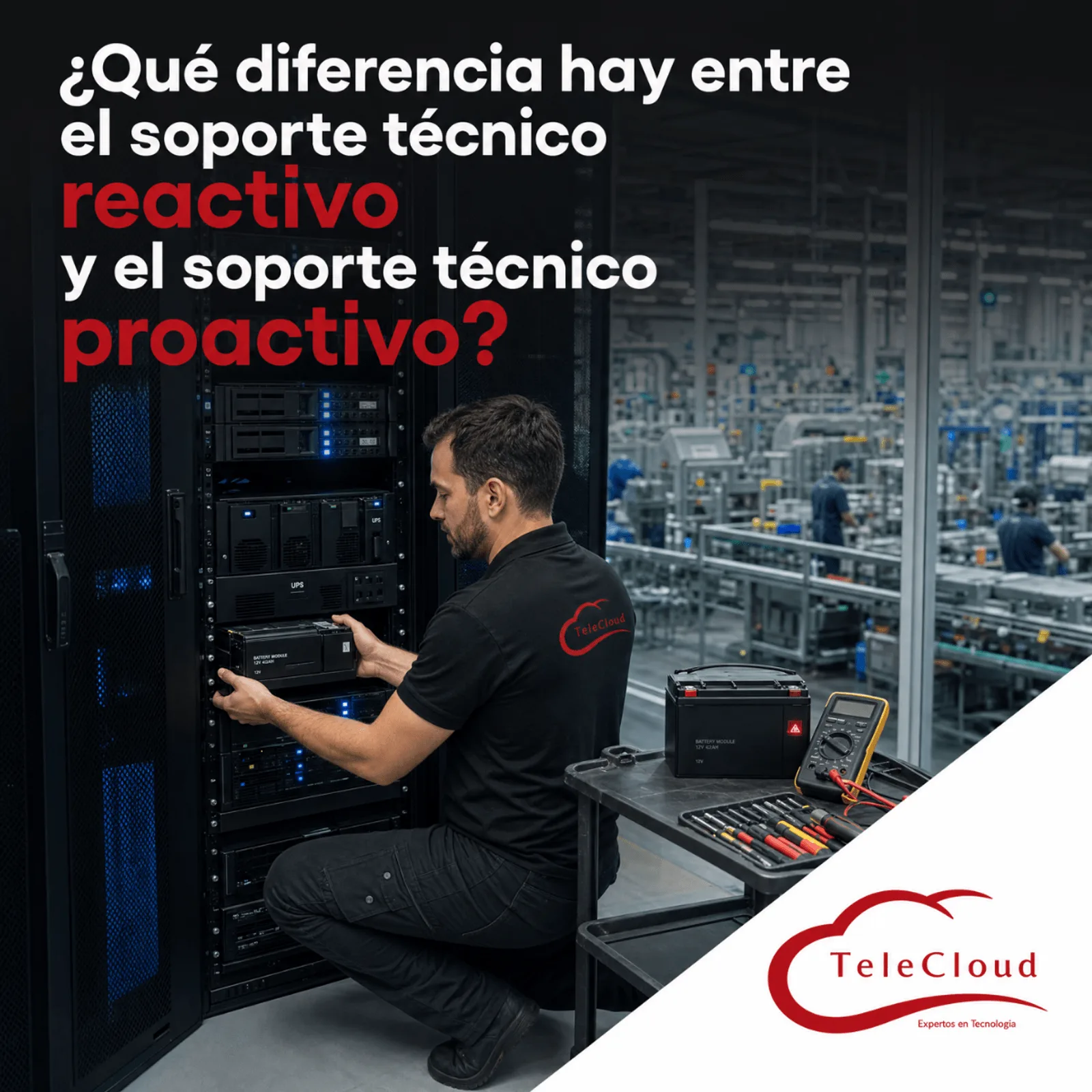
At 2:40 in the morning, the third shift assembly line stops: the traceability terminals freeze, the label printer stops receiving jobs and no part can move forward without its record. The supervisor calls the IT manager, who wakes up and opens a ticket with the support provider. The on-call technician arrives after five, without a network diagram, and spends the first hour figuring out which switch serves that line. The technician finds the cause in the network room: a power supply that failed after weeks of logging temperature and fan alerts that nobody read. The plant gets the line back at dawn, with almost the entire shift lost and a shipment that will no longer leave on time.
Reactive support acts when someone reports a failure. Proactive support monitors the network, detects the warning signs and corrects them in a scheduled window, before operations come to a halt.
Why reactive support always arrives after the plant has already stopped
Reactive support is the most common model and the easiest to contract: something fails, someone reports it and the provider responds. Its starting point is the report, so every minute between the actual failure and the user's call is already working against production. In a plant with several shifts, that report usually comes from the person with the least technical information: a supervisor who sees a frozen screen and cannot tell whether the application, the server, the switch or the link failed.
The cycle of a reactive incident: report, travel and diagnosis from scratch
Once the ticket is open, the clock keeps running through several stages. The provider assigns a technician, who travels to the plant. If that technician does not know the network, they need to rebuild its topology, locate the equipment credentials and find out what has changed since the last visit. If the failure is in the hardware, the spare part still has to be obtained, and at three in the morning that depends on what is in stock. The response time in a purely reactive contract covers the first stage; the downtime lasts as long as all of them combined.
The root cause that never gets investigated
The goal of reactive support is to restore service, and once it does, the case is closed. There is rarely time or budget left to ask why it happened. The power supply gets replaced, the network room keeps the same temperature that damaged it, and the next one to fail will belong to another device. IT service management frameworks such as ITIL separate exactly those two tasks: incident management, which returns operations to normal, and problem management, which eliminates the cause so the incident does not recur. The purely reactive model practices only the first.
What proactive support detects weeks before the failure
Proactive support starts from a different premise: many network failures give warnings before they happen, and someone has to be watching when they appear. We have already detailed the tasks of preventive maintenance, such as firmware updates, cleaning and capacity reviews, in another article. Here we focus on the complete operating model, which combines four practices.
Threshold monitoring: the alert that arrives before the supervisor's call
Switches, routers, firewalls and UPS units report their status to a monitoring platform through protocols such as SNMP and event logs (syslog). The platform compares each variable against a threshold: temperature, fan and power supply status, port errors, CPU and memory usage, link saturation, battery load and battery condition. When a variable crosses its threshold, the support team receives the alert and acts on it. In the opening scenario, the temperature and fan alerts would have arrived weeks before the outage, with plenty of time to replace the power supply during a quiet period and fix the room's ventilation.
Capacity trends: the link that will saturate next quarter
A sudden failure is only one of the ways a network degrades. The other is slow growth: a link that had plenty of headroom a year ago and now saturates at every shift change, or a switch that runs out of ports as new lines and systems arrive. Proactive monitoring stores usage history and reveals those trends months in advance, in time to budget for the expansion before saturation turns into slowness on the production terminals.
Documentation and configuration backups: the technician who already knows your network
A proactive provider keeps the equipment inventory, the network diagram and the configuration backups for every switch, router and firewall up to date. That documentation shortens any service call, including one for an unexpected failure: the technician knows which device serves each line and, if a switch has to be replaced, loads the backed up configuration instead of rebuilding it by hand. The hour lost in the opening scenario to figuring out the topology disappears.
Change windows: work done during the day without stopping the line
When an alert or a trend shows that something needs to be corrected, proactive support schedules the fix. A firmware update, a power supply replacement or a link upgrade is carried out in a maintenance window agreed with production, with a written procedure, the spare part on hand and a plan to roll back to the previous state if something goes wrong. Equipment with redundant power supplies or links is serviced without stopping operations; equipment without them is serviced during the scheduled shutdown that affects the plant least. The same work that costs a full shift in the middle of the night costs a planned intervention during the day.
The hidden cost of paying for support only when something breaks
Reactive support looks cheaper because you only pay when you use it. That math leaves out almost everything an incident costs: stopped production, staff overtime, delayed shipments, spare parts bought in a rush and, in some customer contracts, penalties for missed deliveries. It also leaves out the cost of an IT team that spends its days putting out fires and never moves its projects forward.
Proactive support turns much of that variable spending into a fixed, predictable cost, and it also reduces the number of incidents that end up stopping production. To choose between the two models, the useful comparison puts the annual cost of the proactive service on one side and, on the other, the cost of the network related downtime your plant had over the last year, plus what it spent responding to it.
Office hours versus a three shift operation
Many plants run around the clock, and their network failures follow that same calendar. A reactive model concentrates the risk in the hours with the fewest technical staff available, precisely when the report takes longest to arrive and the spare part is hardest to get. The proactive model moves most of the work to times the plant chooses, and leaves for the early morning hours only what truly could not be anticipated.
Why good proactive support also needs a clear reactive response
Even the best monitoring cannot prevent every failure. A device can fail without warning, a forklift can cut a cable and a power surge can damage an outdoor link. That is why the proactive model includes an incident response channel with maximum response times defined in the contract according to the criticality of each device, and an escalation procedure for severe failures. The difference from the purely reactive model lies in where that response starts: the technician arrives with the equipment history, the network diagram and the configuration backup, and often with the alert that detected the failure before the phone rang.
In another article we explained how to evaluate a telecom provider's SLA before signing. Applied to this topic, it is worth asking which part of the contract covers incident response and which part covers preventive work, because many contracts labeled as support include only the first.
How we combine proactive and reactive support at TeleCloud
At TeleCloud we include both reactive and preventive service in our support contracts. The work begins with a network diagnosis: equipment inventory, diagram, firmware status and lifecycle, and the points that could stop your operations today. With that, we define what gets monitored, with which thresholds and how critical each device is.
From there, we operate with 24/7 monitoring and automated alerts, change management, updates and patches in windows agreed with your plant, and monthly network health reports. When an incident occurs, it is handled by certified engineers assigned to your account, within the maximum times set in the contract according to the criticality of each device, with your network's history and documentation at hand.
If the first warning of a network failure at your plant is still a supervisor's phone call, your support is running in reactive mode, whatever the contract says. At TeleCloud we monitor your infrastructure, schedule corrections at times that keep production running and handle incidents with certified engineers who already know your network. Request a diagnosis at https://telecloud.com.mx
Frequently asked questions
Does proactive support cost more than reactive support?
The fee for a proactive service is usually higher than that of a plan that only responds to tickets, because it includes continuous monitoring, maintenance and documentation. The full comparison also adds in the cost of downtime: if your plant had network failures that stopped production over the last year, that cost often exceeds the difference between the two models.
Does my provider need remote access to the network to deliver proactive support?
Yes, because monitoring requires receiving information from your equipment and reviewing it remotely. That access is set up with an encrypted VPN, individual accounts with limited permissions and a log of every session, within a management segment kept separate from the production network. You keep control over who gets in and when.
What if I already have an in-house IT team?
External proactive support complements your in-house team. Your staff keeps its knowledge of the applications and the operation, and the provider contributes continuous monitoring, network infrastructure expertise and coverage during the hours your team is off site, such as nights and weekends. That way your team can devote its time to the projects the company needs.
Do you need a network diagnosis?
The TeleCloud team evaluates your current infrastructure and proposes solutions adapted to your industrial operation.
Schedule free diagnosis